
Where Do People Actually Use AI Headshots? Every Place That Matters
This article is part of our AI Headshot Tools collection.
You know you need a good headshot. But "good" means something different on LinkedIn than it does on a conference speaker page or your company's About section. Most people grab one photo from a rushed session three years ago and paste it everywhere. That's a missed opportunity.
AI headshot generators like BetterPic let you create purpose-built photos for every platform -- each sized right, styled right, and tuned to what that audience actually expects.
Here is a platform-by-platform breakdown of where professionals are using AI headshots right now and exactly how to make each one count.
What Makes a Great AI Headshot for LinkedIn?
LinkedIn is where first impressions happen at scale. Recruiters, potential clients, and future business partners all make snap judgments based on your profile photo before they read a single word.
The best LinkedIn headshot is a shoulders-up shot with a clean background, natural lighting, and clothing that matches your industry.
Here is what actually works:
- Crop tight. LinkedIn displays your photo at just 400x400 pixels. A full-body shot shrinks your face to the size of a thumbnail. Go shoulders-up so people can see your expression clearly.
- Pick a simple background. Solid colors or soft gradients keep attention on you. Office backgrounds or outdoor scenes add visual noise that distracts at small sizes.
- Dress one level above your daily. If you usually wear a polo, go with a blazer. If you wear a suit every day, keep the suit. The goal is "polished version of the real you," not a costume.
- Smile naturally. Data from LinkedIn themselves shows that profiles with a genuine smile get more connection requests. Not a grin -- just warmth.
With BetterPic, you upload a few casual selfies and get back dozens of variations. Pick the one that looks like you on your best Monday morning, and you are set.
Should You Put an AI Headshot on Your Resume?
It depends on where you are applying. In the US and UK, photos on resumes are less common. In Germany, France, much of Asia, and Latin America, a headshot on your CV is standard -- sometimes expected.
If the job market expects a photo, an AI headshot is the fastest way to look polished without booking a photographer.
How should the photo look for a resume?
- Keep it small and formal. A passport-style crop works best. Position it in the top corner of the document so it does not dominate the layout.
- Match the industry tone. Applying to a law firm? Go with a dark blazer and a neutral background. Applying to a design studio? A clean, well-lit casual shot works better. BetterPic lets you generate both styles from the same set of selfies so you can tailor each application.
- Use high resolution. Even though the image will be small on the page, a low-res photo looks blurry when printed. Export at least 300 DPI for anything that might end up on paper.
- Stay current. If your resume photo looks five years younger than you do on a video call, it creates a jarring disconnect. AI headshots solve this -- you can regenerate a fresh batch whenever your look changes.
How Do Companies Use AI Headshots on Their Websites?
This is one of the highest-impact use cases. A company's "Meet the Team" or "Leadership" page often looks like a patchwork quilt -- different lighting, different backgrounds, different quality levels, photos taken years apart.
AI headshot generators give distributed teams a unified, professional look without flying everyone to the same studio.
What does "unified" actually mean in practice?
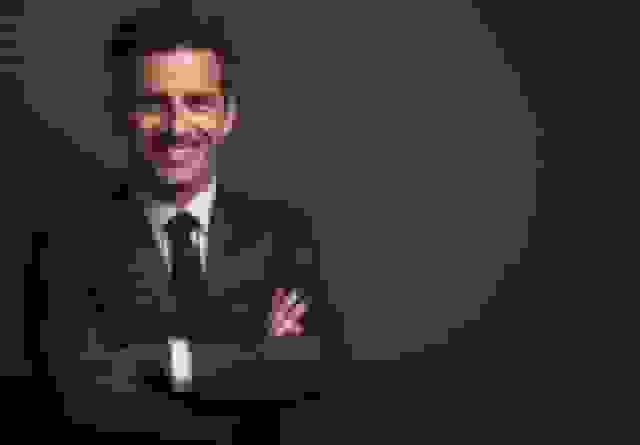
- Same background style. Pick one background (solid gray, soft blue gradient, or whatever matches your brand) and apply it to every team member's photo. BetterPic makes this easy because you can set the same style parameters for the whole batch.
- Consistent framing. Everyone cropped from the same distance, same head position in the frame. This matters more than most companies realize -- inconsistent framing looks sloppy even when each individual photo is fine.
- Easy onboarding. When a new hire starts, they upload a few selfies to BetterPic and have a matching headshot within minutes. No waiting for the next company photo day.
- Scale without logistics. If you have 50 employees across three time zones, coordinating a photographer is a project in itself. An AI tool turns it into a five-minute task for each person, done on their own schedule.
What About Email Signatures and Internal Profiles?
Your email signature is one of the most-seen pieces of your personal brand. If you send 40 emails a day, that headshot thumbnail gets viewed thousands of times a month -- often by people who have never met you in person.
A sharp, well-lit headshot in your email signature turns every message into a subtle trust signal.
Here is how to get it right:
- Size it small but crisp. Most email signatures display the photo at around 80-100 pixels wide. At that size, detail matters less than contrast. Choose a headshot with good light-to-dark contrast so your face reads clearly even at thumbnail scale.
- Match your company's style. If your organization uses a specific background color or template for signatures, generate your headshot with that in mind. BetterPic lets you specify background colors, so your photo drops right into the template.
- Use the same photo on Slack, Teams, and internal tools. Consistency makes you recognizable. When your Slack avatar, email signature, and company directory all show the same face, people connect the dots faster -- especially in large or remote organizations.
Do Freelancers and Entrepreneurs Need Different Headshots?
Yes. When you are the brand, your headshot carries more weight than it would inside a big company. It shows up on your personal website, your Upwork profile, your pitch decks, your invoices, your Calendly page, and anywhere else a client might encounter you.
Freelancers should have at least two headshot styles: one formal for client-facing materials and one approachable for their personal brand.
Practical tips for solopreneurs:
- Website hero section. Use a wider crop (head and upper body) with a clean background. This is your billboard. Make it confident but approachable.
- Proposal headers and pitch decks. A smaller, more formal crop works here. You want to look trustworthy and competent, not flashy.
- Marketplace profiles (Upwork, Fiverr, Toptal). These platforms display your photo as a circle. Make sure your face is centered and nothing important gets cropped by the circular mask. You can preview the circle crop for free before you upload.
- Refresh seasonally. If you change your hair, grow a beard, or update your glasses, regenerate your headshots. Clients notice when the person on the video call does not match the person on the profile. BetterPic makes refreshing painless since you just upload new selfies and pick from the results.
Can You Use AI Headshots for Speaking Bios and Event Pages?
Conference organizers almost always ask for a headshot. Usually at the last minute. And usually with vague specs like "a professional photo, at least 500px wide."
Having a BetterPic headshot ready in multiple crops and resolutions means you can respond to any event organizer's request in under a minute.
Here is what to keep on hand:
- A square crop (1:1) at high resolution. This covers most conference websites and event platforms.
- A landscape crop (16:9 or 3:2). Some event pages use a wider banner format. Having this pre-made saves you from awkward last-minute cropping.
- A version with a transparent or neutral background. Event designers sometimes need to drop your photo into a branded layout. A clean background gives them flexibility.
- A brief style note for yourself. "Dark blazer, slight smile, gray background" -- so that if you need to regenerate for a different event, you can match the style you have been using all year.
What About Social Media Beyond LinkedIn?
LinkedIn gets all the attention, but your headshot shows up in plenty of other places too.
Twitter / X
Your avatar displays at 48 pixels in the feed. That is tiny. High contrast and a tight face crop are non-negotiable. Skip busy backgrounds entirely.
Instagram (professional accounts)
If you use Instagram for business, your profile photo is a 110px circle. Same rules as Twitter -- tight crop, strong contrast. Your feed content does the heavy lifting; the profile photo just needs to look clean and recognizable.
Facebook business pages
Facebook displays profile photos at 170x170 on desktop. Slightly more room to breathe here, but still keep it simple. If your business page represents you personally (coaching, consulting, personal brand), use a headshot rather than a logo.
YouTube channel
Your channel icon shows up next to every comment you leave and every video you post. It is circular and small. Use the same tight-crop headshot you use on Twitter for consistency across platforms.
Dating profiles
This one surprises people, but it is one of the fastest-growing uses of AI headshots. A well-lit, natural-looking photo where you appear confident and approachable outperforms blurry selfies or group shots every time. The key is to keep it authentic -- use BetterPic to enhance your real appearance, not to create a version of yourself that does not exist.
How Do You Pick the Right AI Headshot Generator?
Not all tools are equal. Here is what to look for:
- Realism. The output should look like an actual photograph, not a painting or a deepfake. BetterPic trains on your specific features so the results look genuinely like you.
- Variety. You need options -- different backgrounds, different outfits, different crops. A tool that gives you one image is not enough.
- Speed. You should get results in minutes, not days.
- Resolution. The output needs to be high enough resolution for print (resumes, business cards) and digital (websites, social profiles).
- Style control. Can you specify formal vs. casual? Background color? Clothing style? The more control you have, the more useful the tool is across all the platforms listed above.
BetterPic checks every one of these boxes, which is why it is the tool we recommend for professionals who need headshots that actually work in the real world.
Frequently Asked Questions
Are AI headshots professional enough for a corporate website?
Yes. Modern AI headshot generators produce output that is indistinguishable from studio photography at the resolutions used on websites. The advantage is consistency -- every team member gets the same lighting, background, and framing, which is hard to achieve even with an in-person photographer when people are in different locations.
Can I use the same AI headshot everywhere?
You can, but you should not. Different platforms have different display sizes, aspect ratios, and audiences. A headshot optimized for LinkedIn (square, tight crop) will look awkward as a website hero image (wider crop, more breathing room). Generate a few variations and use the right one for each context.
Will people be able to tell my headshot is AI-generated?
With a quality tool like BetterPic, no. The technology has advanced to the point where AI-generated headshots are visually identical to traditionally photographed ones. The key is starting with good input photos -- clear, well-lit selfies where your face is fully visible.
How often should I update my AI headshot?
Whenever your appearance changes noticeably -- new hairstyle, new glasses, significant weight change -- or at least once a year. An outdated headshot that does not match how you look on video calls creates a trust gap. Since AI headshots only take minutes to generate, there is no reason to let yours go stale.
Is it okay to use AI headshots on dating profiles?
Absolutely, as long as the photo is an accurate representation of how you actually look. The goal is a flattering, well-lit version of the real you -- not a fictional character. BetterPic excels here because it preserves your actual features while improving lighting, background, and composition.
Do AI headshots work for industry-specific needs like healthcare or law?
Yes. BetterPic lets you specify attire and settings, so you can generate headshots with a lab coat for healthcare, a suit for legal, or business casual for tech. This is especially useful for professionals who need to project industry-appropriate credibility on their profiles and websites.
Sources & References
- LinkedIn Profile Photo Tips — LinkedIn
- How Your Profile Photo Impacts Your LinkedIn Presence — LinkedIn Official Blog
- AI Image Generation Market Report — Grand View Research
- How AI Is Changing Photography — Forbes
- Professional Headshot Photography Pricing — Thumbtack

Written by
Apoorv SharmaHead of Performance
Apoorv leads performance and growth at BetterPic with 9+ years of experience across SEO, SEM, and growth marketing. He oversees content strategy, data-driven marketing, and hands-on testing of AI headshot platforms. Previously held senior performance marketing roles across the US, Belgium, and India.
- Google Analytics & Google Ads certified
- HubSpot Inbound & Content Marketing certified
- 9+ years in SaaS growth and performance marketing
Preferred source
Follow BetterPic on Google
Add BetterPic as a preferred source and our headshot guides are more likely to show up in your Top Stories, with a badge in AI Mode and AI Overviews.

Related professional headshots for individuals resources
Keep exploring this topic with focused resources from the B2C journey.
Primary destination:Free AI headshot generator
Frequently Asked Questions
How can AI headshot generators improve my LinkedIn profile?
- A professional-looking headshot is crucial for LinkedIn since it’s often the first impression potential employers or connections see. AI headshot generators help you create a high-quality image that can enhance your professional presence, making you look polished and approachable, without the hassle of scheduling a photoshoot.
Should a resume carry a headshot?
- Whether to include one is regional: expected in much of Europe, Asia and Latin America, and generally discouraged in the US, Canada and UK on anti-discrimination grounds. Where it is expected, a generated headshot lets you produce one quickly without a studio booking.
How do companies keep employee photos consistent?
- A team page fails on mismatch rather than on quality, and mismatch is what happens when forty people are photographed on forty different days. Generated sets fix it because everyone uploads on their own schedule and the output shares one background and lighting setup.
How can freelancers and entrepreneurs benefit from AI headshot generators?
- Freelancers and entrepreneurs rely on personal branding for success. An AI headshot generator allows them to create or update their professional images quickly for websites, portfolios, or social media profiles, ensuring they present a polished and professional image to potential clients and partners.
Can headshots be tailored to a specific profession?
- Professional conventions differ sharply by field, so attire and background are the levers that matter: a lab coat for healthcare, a suit for law and finance, softer settings for creative work. Most generators expose both as options.
How do AI headshots improve team consistency on internal platforms?
- AI headshots ensure that all employee photos used on internal platforms like Slack or Microsoft Teams follow the same professional guidelines. This consistency boosts professionalism across the organization and helps maintain brand integrity in internal and external communications.
Does an email signature need a headshot?
- A signature photo adds recognition to correspondence with people who have never met you, which is why client-facing and sales roles use them most. The crop needs to be tight — signature images display small.
How do AI headshots compare on time and cost?
- A traditional session takes a booking, a commute and a wait for retouching, and costs $100–300. Generated sets return in under an hour from photos you already have, which is the whole basis of the trade-off.
Do AI headshot generators work for remote or global teams?
- Definitely. For companies with remote or global teams, AI headshot generators are a great way to standardize employee photos across different locations. Employees can upload their own photos and receive professional-looking headshots without needing to attend a physical photoshoot.
How often should a headshot be updated?
- Most people refresh after a visible change — a new role, a different look, a few years passing — and the reason people leave it too long is the friction of booking. Generation removes the friction, so updating becomes a decision rather than a project.
Should you have more than one headshot?
- Different surfaces want different registers: a conservative crop for a CV, something warmer for a personal site, something tighter for a profile avatar. One upload can produce all three, which a single studio session usually cannot.
What industries benefit most from AI headshot generators?
- AI headshot generators are beneficial across many industries, particularly in corporate sectors, creative industries, healthcare, remote workforces, and personal branding for entrepreneurs and freelancers. Any professional needing a polished image for their profile, website, or promotional materials can benefit.
Can the background and style be chosen?
- Background, lighting and attire are the three variables generators expose, and the background is the one that most affects how the image reads at small sizes. Most tools let you set all three before generating and change them afterwards.
Related articles
View all articles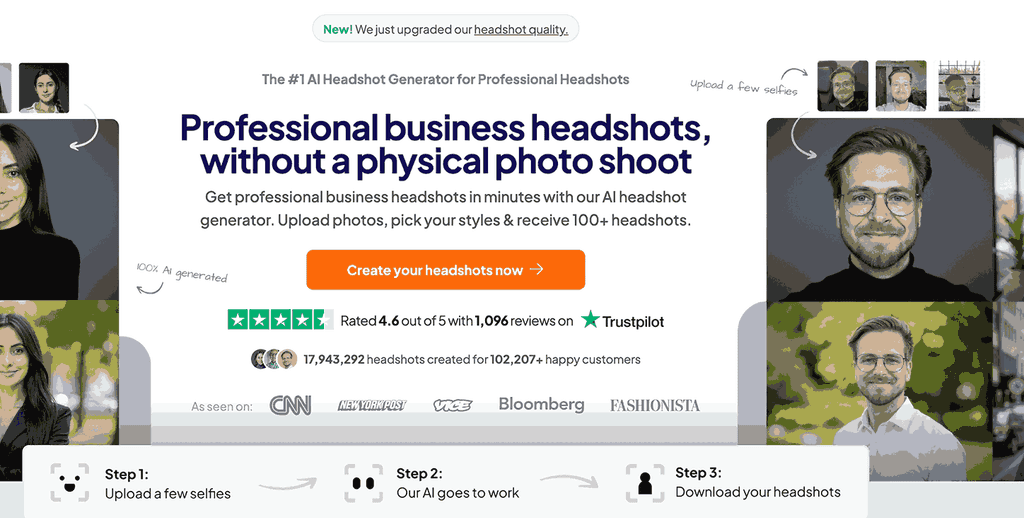
HeadshotPro Review 2026: Honest Take From a Competitor Who Actually Tested It
We tested HeadshotPro head-to-head against BetterPic. Here's what we found on quality, speed, pricing, and who each tool is actually built for.
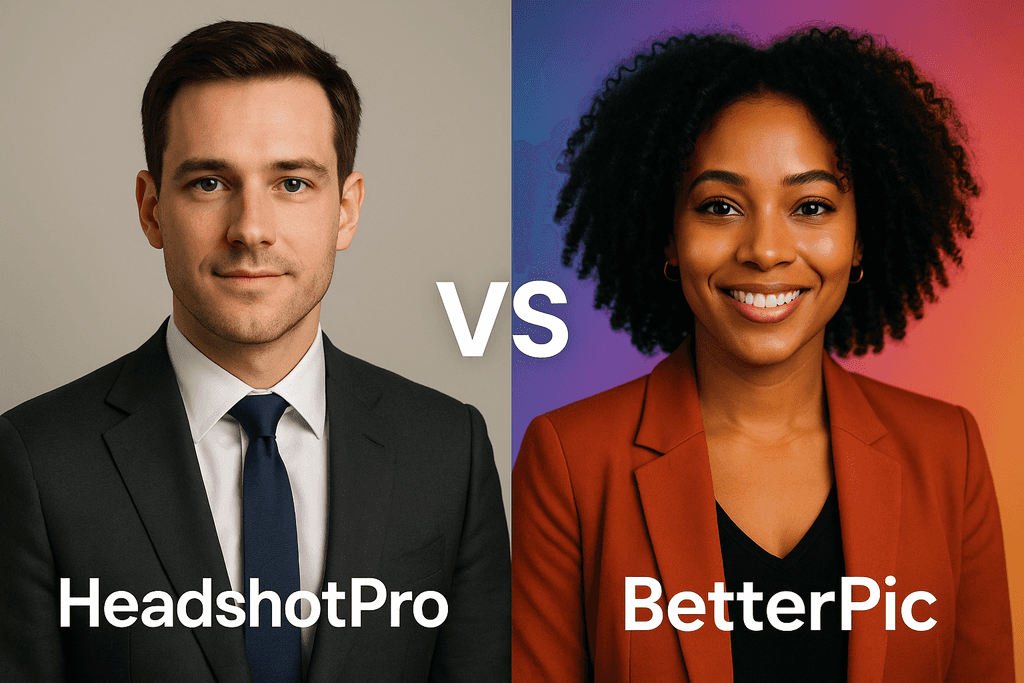
HeadshotPro vs BetterPic: Which AI Headshot Generator Actually Delivers? (2026)
I tested both HeadshotPro and BetterPic side by side. Here's an honest comparison of pricing, image quality, speed, and real user results to help you choose.
The Best AI Headshot Generators for Teams and Enterprises (2026)
An honest comparison of AI headshot generators for teams — covering photorealism, brand consistency, security, pricing, and enterprise features..
7 AI Headshot Prompts That Actually Work (2026): Copy-Paste Templates for Every Industry
How to write AI prompts that produce genuinely professional headshots — with copy-paste templates for every industry, element-by-element guidance.

4 Best AI Yearbook Creators — Turn Selfies into Nostalgic Portraits (2026)
AI yearbook creators turn regular selfies into vintage or modern yearbook-style portraits in minutes. Compare the 4 best tools — Fotor, PixNova.
HeadshotXpress vs BetterPic: Which AI Headshot Generator Actually Delivers?
I tested HeadshotXpress and BetterPic side by side. Here's how they compare on quality, customization, pricing, and delivery speed — with actual results.
Save 87%on average on your professional photos.
Whenever, wherever you are.
Get studio-quality, 4K images in a variety of outfits & settings in less than an hour.
Get your headshots nowStart now